Slash Costs: Automated Bulk On-Model Photos for Retail/Wholesale
Need tons of fashion images for your wholesale channels? Use our lightning-fast unrecognizable face cropping and background removal tool to speed up production.

Unrecognizable Face Crops, Quick
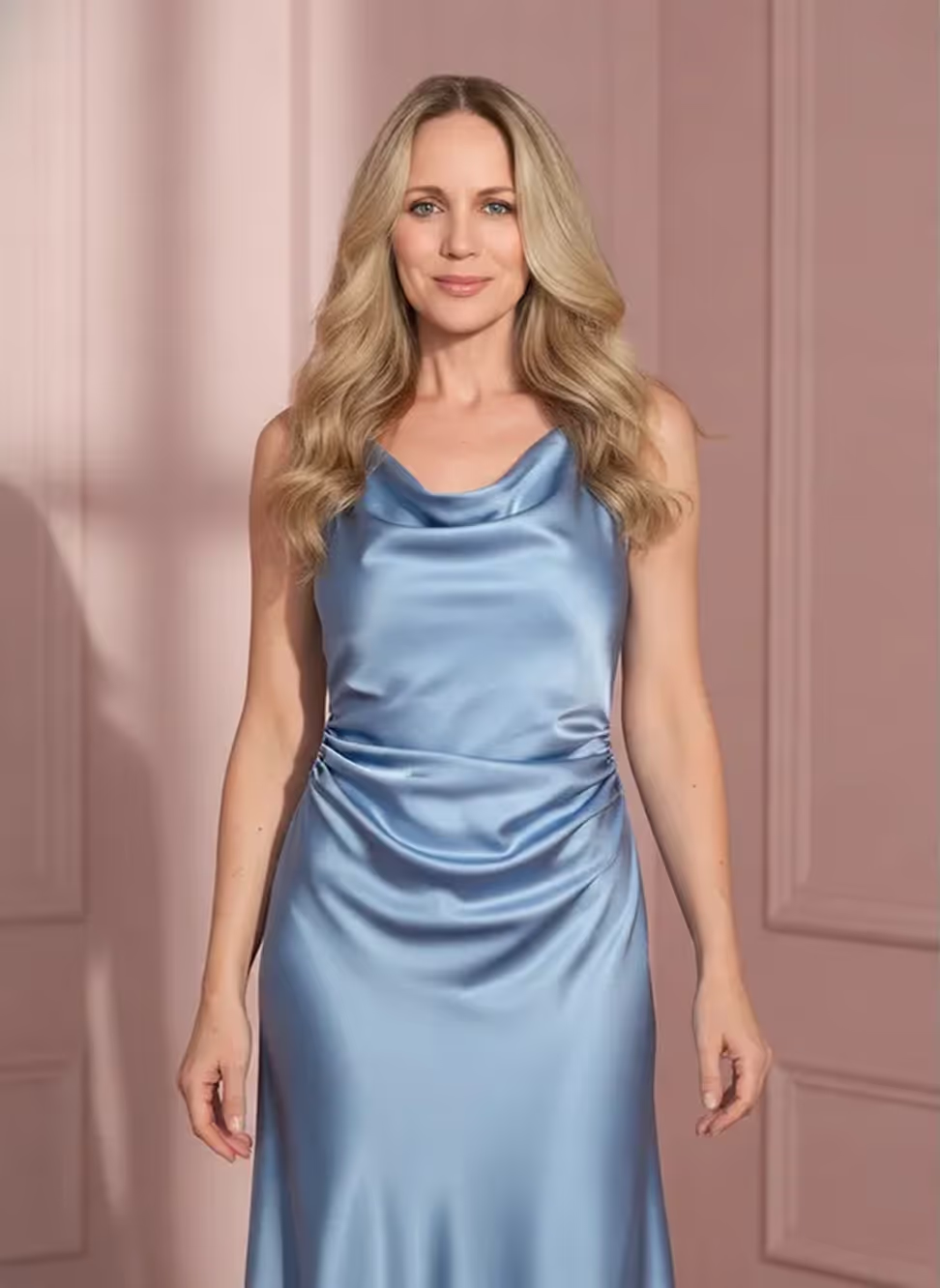
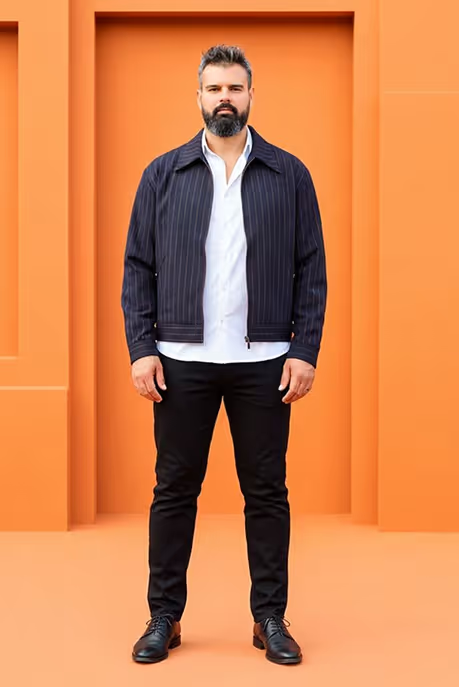
For wholesale retouching teams, creating unrecognizable face crop images most retail marketplaces require is a time suck. Crop.photo uses AI face recognition technology to automate on-model crops of fashion photos using markers. Just tell us where you want to crop, such as “between eyes & nose” or “above the lips” and we’ll do the rest.
Remove Or Replace Background In Bulk
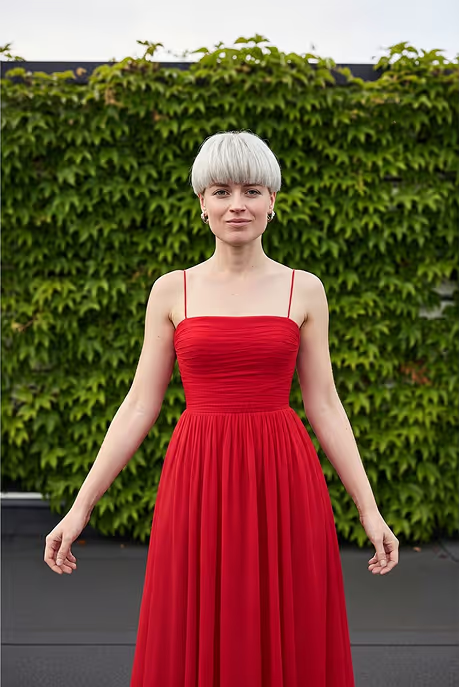
Most retail marketplaces have requirements for what the background of fashion images should be, but removing & replacing backgrounds from product images - especially around things like the model’s hair - can be painstaking work even for the most proficient Photoshoppers.
With Crop.photo’s AI-powered background removal & replacement tool, what used to take a day to get done can happen in minutes!
Add Some Human Help With Our Background Cleanup Tool
Our AI perfectly removes your backgrounds almost all the time, but sometimes it needs a little human help.
If you have challenging backgrounds, such as ones where the subject and background objects like props are low contrast, there might be a couple errant pixels.
No need to fire up Photoshop! Just use our cleanup tool to add or remove anything you want to fix. We’ll even automatically re-create all the sizes you selected when you’re done.
One Click Resize For Retail Marketplaces
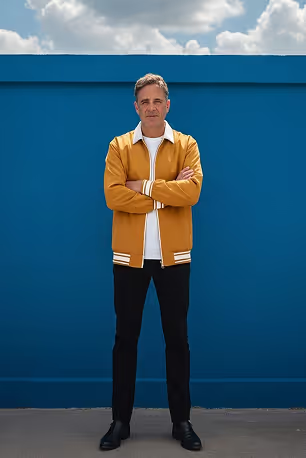
Manually resizing your images to meet retail marketplace requirements is tedious, but our AI makes it painless. Upload all your images at once and resize them in a single click.
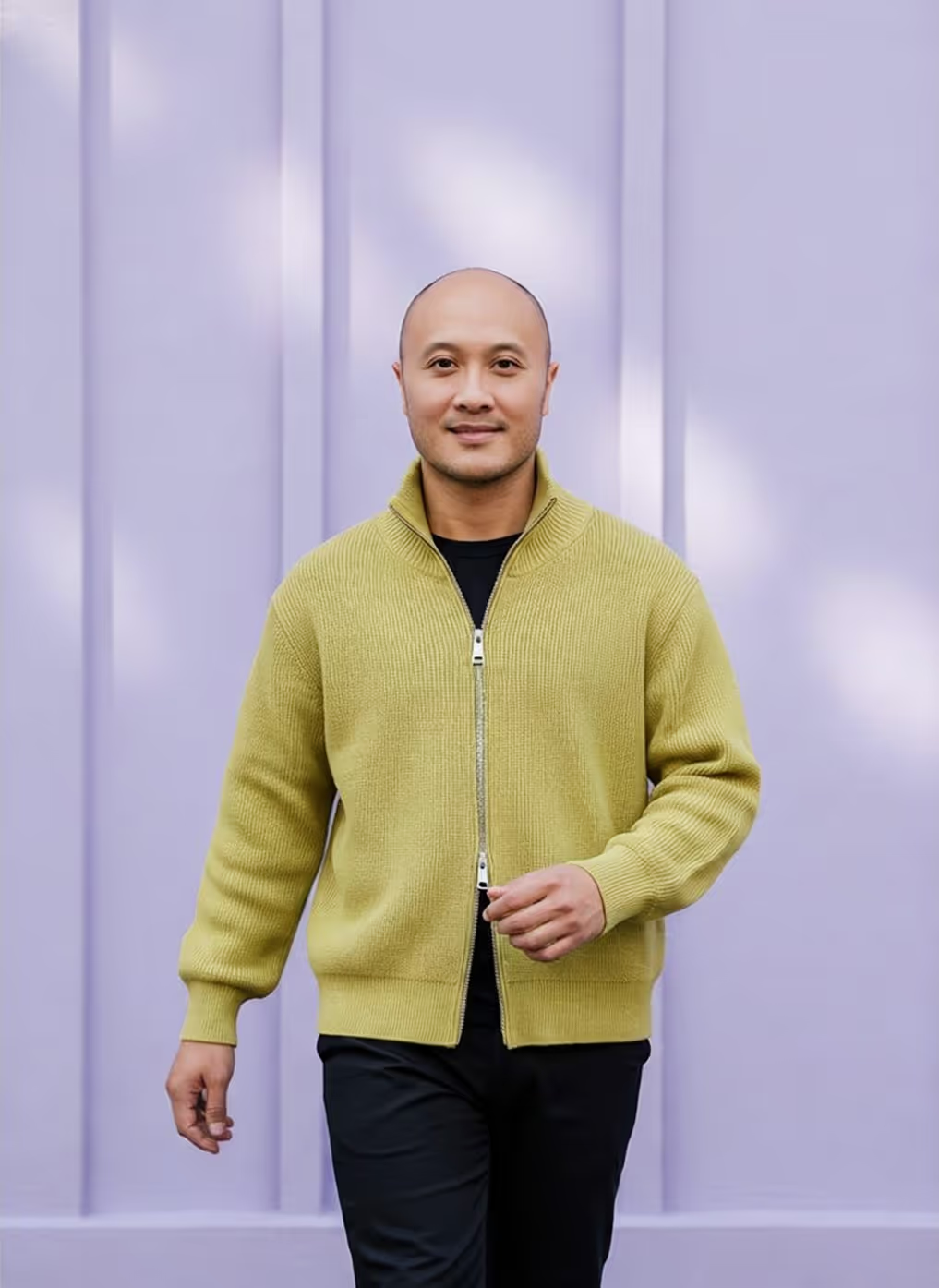
The best part is that you can combine our automations so that you can create unrecognizable crops, remove backgrounds, and resize your images all at once.
Our content-aware Smart Resizer will make sure that the most important areas of your product images don’t get cut off.
One workflow. Three jobs.
Frequently
Asked Questions
Learn more about our offering and services that can help your business grow exponentially.
What is an unrecognizable face crop in fashion wholesale photography?
An unrecognizable face crop - also called a headless crop - removes or cuts off the model's face from an on-model apparel shot so the garment stays the focus and the model isn't identifiable. Crop.photo automates these crops using AI face recognition, so wholesale retouching teams don't have to mask them one by one.
Why do retail marketplaces require faceless on-model images?
Most retail and wholesale marketplaces require headless or cropped-model imagery for two reasons: model usage rights usually expire or don't transfer to third-party sellers, and faceless shots keep listings visually consistent across thousands of SKUs from different suppliers. Cropping the face keeps you compliant without reshooting the product.
How does the AI decide where to crop the face?
You define the cut line using facial markers instead of manual selections. You can choose a variety of "between eyes and nose" or "above the lips," and it applies that same anatomical rule to every image in the batch - regardless of how the model is posed, framed, or positioned in each shot.
Can I process thousands of on-model images at once?
Yes. Crop.photo is built for bulk fashion catalogs, not single-image editing. You upload your full batch, apply one automation, and every image comes back cropped, cleaned, and resized. Teams like Lacoste cut ecommerce image turnaround from four days to under an hour using this workflow.
Can it remove or replace backgrounds in bulk?
Yes. The AI background remover handles bulk removal and replacement, including the difficult areas like hair edges and loose fabric that normally slow down manual masking. Work that used to take a full day in Photoshop typically finishes in minutes, and you can swap in the plain background your marketplace requires.
Can I resize images to different marketplace specs in one click?
Yes. Upload once and generate every required size in a single click instead of exporting each spec manually. This matters when the same garment has to ship to multiple wholesale portals, retail marketplaces, and your own D2C site, each with different dimension and DPI requirements.
Will resizing crop out important parts of the garment?
No - the Smart Resizer is content-aware, so it identifies the important area of the product image and keeps it in frame rather than cropping blindly from the center. Details like necklines, hems, prints, and hardware stay visible even when the aspect ratio changes significantly between channels.
Can I combine face cropping, background removal, and resizing into one workflow?
Yes, and this is where most of the time savings come from. Automations stack into a single reusable recipe, so one upload produces unrecognizable crops, clean backgrounds, and every marketplace size together. You set the rules once and reapply them to every new season's catalog.
Do I need Photoshop skills or an outside retouching agency?
No. The workflow is designed for merchandising, ecommerce, and studio teams rather than retouchers, so there's no masking, layering, or manual selection involved. Brands using Crop.photo have brought production back in-house instead of routing every batch through an agency, which cuts both turnaround time and cost per image.
Does Crop.photo fit into my existing Shopify, PIM, or API workflow?
Yes. There's a Shopify app for bulk editing listing images inside your store, an API for automating edits within your own pipeline, and teams commonly run it alongside a PIM to keep every product image consistent and on-brand as new assets flow in.
If you have more questions about AI Fashion, chat with us now. Get answers from a live agent.